
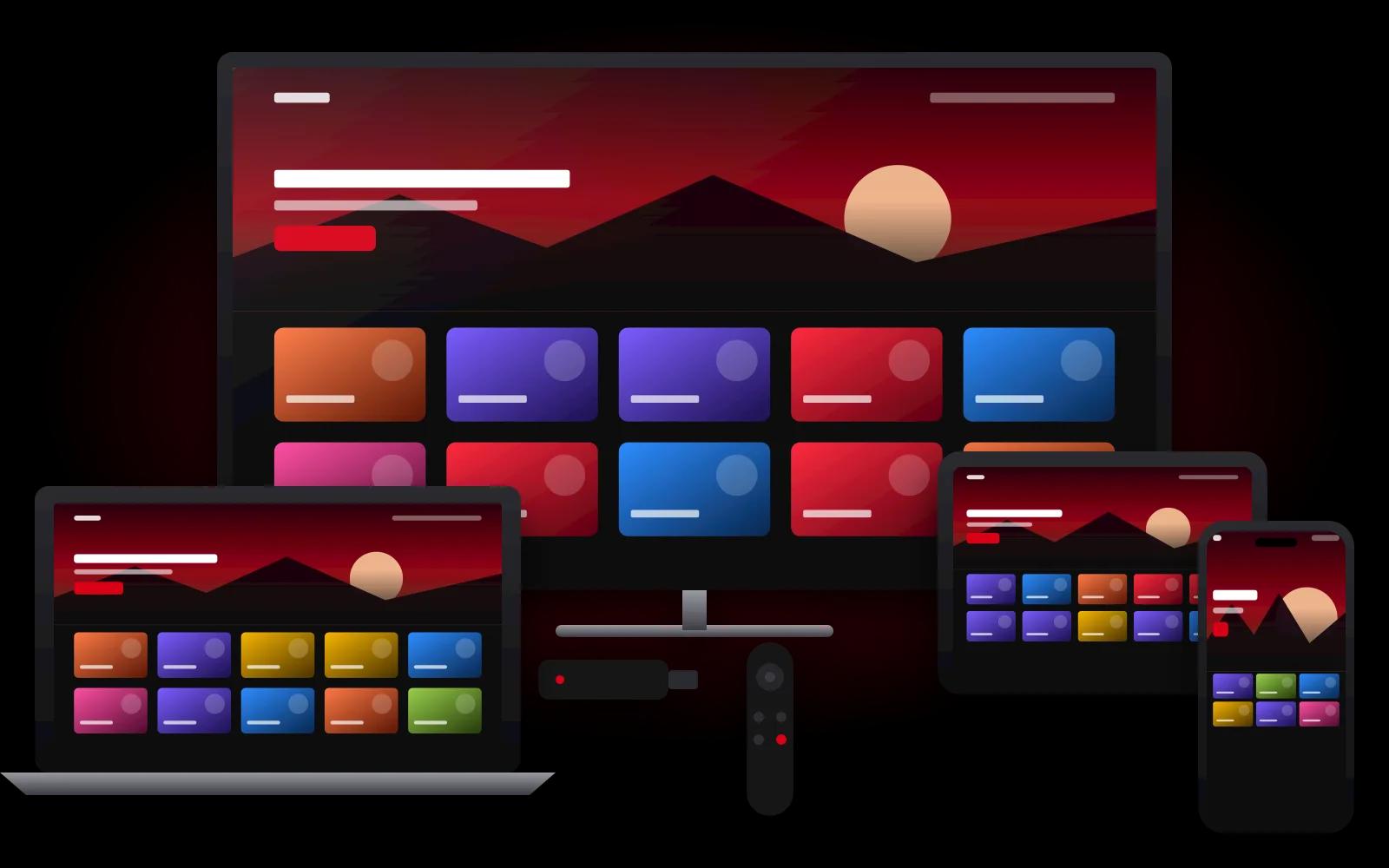
When you pay for an IPTV subscription service, you are buying something less obvious than a box or an app. You are paying for access to a provider's service, for a set period, on a set number of devices. The app you watch in, the device you watch on and the internet connection that carries the stream usually come from somewhere else.
Understanding that split makes it far easier to compare IPTV subscription providers, because you can see which parts of the experience each one is actually responsible for. This guide breaks an IPTV subscription into its parts, explains what typically falls outside it, and lists the terms worth confirming before you pay.
The Four Parts of an IPTV Setup
Every working IPTV setup has four layers. Only one of them is the subscription itself.
| Layer | What it is | Who usually provides it |
|---|---|---|
| Subscription | Access to the provider's service for a set term and number of devices | The IPTV provider |
| Player app | The software you browse and watch in, such as IPTV Smarters Pro, TiviMate or VLC | An independent app developer |
| Device | Smart TV, streaming stick, phone, tablet or computer | You |
| Connection | Your home internet and network | Your internet service provider |
When something goes wrong, knowing which layer is involved tells you who can fix it. A buffering stream on weak Wi-Fi is a connection issue. A missing feature in the menu is often an app question rather than a subscription problem.
What an IPTV Subscription Typically Includes
A Defined Term
Subscriptions run for a fixed period, such as one, three, six or twelve months. Your access lasts for that term. What happens at the end depends on the provider, so it is worth asking.
A Device Allowance
Each plan covers a specific number of devices. If you watch on a living room TV and a phone, that is two devices, and your plan needs to cover both.
Your Access Details
Once your subscription is active, the provider gives you the details you enter in your player app. Depending on the provider and the app, this may be a login or a playlist link. Treat these details like a password and keep them to the devices your plan covers.
Help Getting Set Up
Some providers simply send your access details. Others walk you through entering them in the right app on your device. If you are new to IPTV, that guidance can save a lot of trial and error.
What Usually Isn't Included
- The device. You will need a compatible TV, streaming stick, phone, tablet or computer.
- Premium app features. Some player apps are free, while others charge their own fee for extra features. That payment goes to the app developer, not the IPTV provider.
- Your internet service. Streaming depends on your home connection.
Factor these in when you compare prices. A plan that seems cheaper can cost more once you add a paid app or a new streaming stick.
Terms to Confirm Before You Subscribe
- Is the price a total or a monthly rate? Make sure you know the full amount and the period it covers.
- Does it renew automatically? Some services bill again at the end of the term. Others wait for you to renew.
- How many devices, and can you swap them? Ask what happens if you replace a TV or phone mid-term.
- Which apps work with your devices? The answer depends on your platform. Our device and player app overview is a good starting point.
- How do you get help? Know the support channel before you need it.
Choosing an IPTV Subscription in the USA
If you are buying an IPTV subscription in the USA, a few local details are worth checking: prices quoted in US dollars, compatibility with devices such as Fire TV and Roku, and an easy way to reach the provider from the US. Our guide to comparing IPTV providers in the USA covers each of these.
How an IPTV Provider Now Subscription Is Structured
Here is how our own subscription maps onto the parts above:
- Term: 1, 3, 6 or 12 months, priced as a total in US dollars.
- Devices: plans cover 1, 2, 3 or 4 devices. A 3-month plan for one device is $39, and the same term for three devices is $101.
- Ordering: you choose a plan, and WhatsApp opens with the details written out. Our team sends payment instructions in that chat.
- Setup: once payment is confirmed, we share your access details and guide you through entering them in a suitable app for your device.
- Renewal: this website doesn't bill you automatically. Renewals are arranged with our team.
See every plan on the subscription plans page, or read the ordering steps in full.
The Bottom Line
An IPTV subscription service gives you access for a set term and a set number of devices. The app, device and connection are separate pieces you control. Compare providers on what they are responsible for (clear terms, device allowances and setup help) and check the other layers yourself. If you are unsure how your devices fit in, ask our team before you subscribe.