
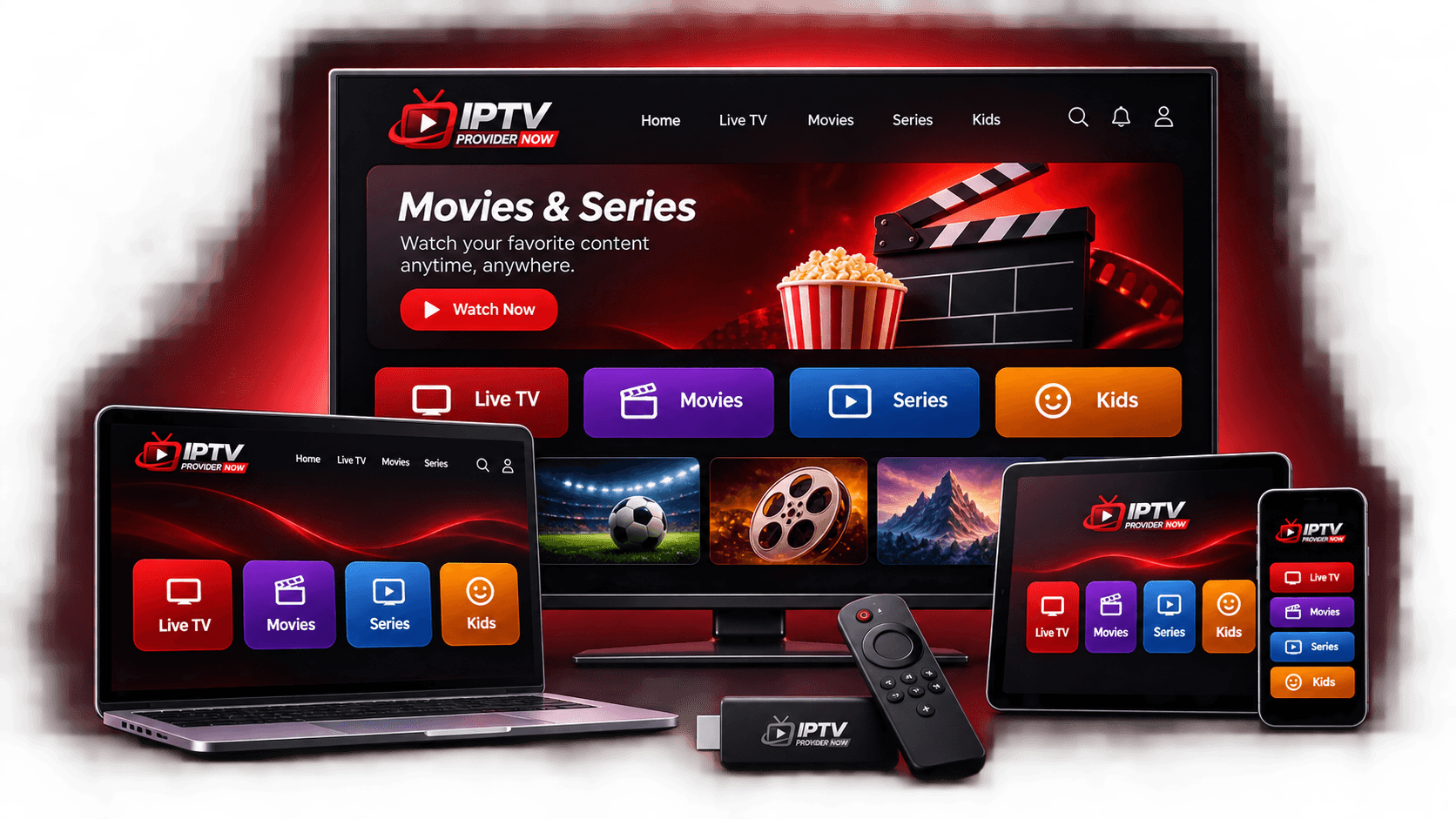
A single-device plan works well until someone else in the house wants to watch on their own screen. IPTV plans for multiple devices solve that, but choosing the right number takes a little thought. Too few and you run into limits. Too many and you pay for screens nobody uses.
This guide helps you size a multi-device IPTV subscription for your household, explains how prices typically scale as you add screens, and covers the practical side of setting up several different devices.
What Counts as a Device?
In IPTV terms, a device is anything that runs a player app: a smart TV, a streaming stick, a TV box, a phone, a tablet or a computer. A TV with a Fire TV Stick plugged in usually counts as one device, because the app runs on the stick. A phone and a tablet are two. Confirm with your provider how they count devices before you choose a plan.
How Many Screens Does Your Household Need?
Start by asking how many people might want to watch on separate screens at the same time. Some common setups:
| Household | Typical screens | Plan to consider |
|---|---|---|
| One viewer | Living room TV, maybe a phone | 1–2 devices |
| Couple | Living room TV and a bedroom TV or tablet | 2 devices |
| Small family | Main TV, bedroom TV and a tablet | 3 devices |
| Larger household | Several TVs plus phones or tablets | 4 devices |
If you are between two sizes, think about who watches when. Two people who always watch together on the same TV only need one device for that screen.
How Prices Scale With More Devices
With many providers, each extra device adds less to the price than the one before. Our own 12-month plans show the pattern clearly:
| 12-month plan | Total | Added for that device |
|---|---|---|
| 1 device | $73 | — |
| 2 devices | $132 | +$59 |
| 3 devices | $185 | +$53 |
| 4 devices | $234 | +$49 |
So if you think you will need a third screen during the year, it is worth comparing that cost up front with the inconvenience of being one device short.
Setting Up a Mix of Different Devices
Multi-device households rarely have matching hardware. You might have a Samsung TV in the living room, a Fire TV Stick in the bedroom and an iPhone. Each platform uses its own app store, so the player app may be different on each device:
- Android TV, Google TV and Fire TV generally have the widest choice of IPTV player apps.
- Samsung and LG TVs use their own stores, with options that vary by model.
- iPhone, iPad and Apple TV use Apple's App Store.
- Roku has limited options, so check before relying on it.
Our guide to compatible devices and apps covers each platform. When you order, list every device so the provider can suggest a suitable app for each one.
Tips for Managing a Multi-Device Subscription
- Keep your access details on the devices your plan covers. Sharing beyond them can cause problems.
- Label which device is which, especially if you have more than one TV of the same brand.
- Tell your provider if you replace a device, so they can help you set up the new one.
IPTV Provider Now Multi-Device Plans
You can choose 1, 2, 3 or 4 devices on any of our 1, 3, 6 or 12-month terms. A 3-month plan for 3 devices, for instance, is $101. Use the device selector on our plans page to see every total update instantly, then tap Subscribe to send that exact plan to our team on WhatsApp.
Choosing Your Device Count
Match your plan to the number of screens that will be in use at the same time, list every device type in your home, and check that each one can run a suitable app. If you would like a second opinion on the right size, tell us about your household and we will suggest an option.