

IPTV subscription plans for 1–4 devices · Prices in USD
Best IPTV Service Provider – Compare Subscription Plans
Looking for an IPTV provider? Explore our subscription options, compare plans for 1 to 4 devices, and contact our team on WhatsApp to get started. Choose the subscription duration that suits your needs and discover available device options.
- 1, 3, 6 & 12-month terms
- Total price shown up front
- Setup help after activation
IPTV Subscription Plans
Choose Your IPTV Subscription Plan
Compare our IPTV subscription plans and find an option that matches your preferred duration and number of devices. Every price is the total in US dollars for the full term.
Select number of devices
Showing prices for 1 Device.
1 Month
1 Device
$22USD
Total for 1 month · 1 device
- Total price for the full term
- Plan confirmed with our team on WhatsApp
- Payment instructions sent by our team
- Guided setup after payment confirmation
3 Months
1 Device
$39USD
Total for 3 months · 1 device
- Total price for the full term
- Plan confirmed with our team on WhatsApp
- Payment instructions sent by our team
- Guided setup after payment confirmation
6 Months
1 Device
$50USD
Total for 6 months · 1 device
- Total price for the full term
- Plan confirmed with our team on WhatsApp
- Payment instructions sent by our team
- Guided setup after payment confirmation
- Most Popular
12 Months
1 Device
$73USD
Total for 12 months · 1 device
- Total price for the full term
- Plan confirmed with our team on WhatsApp
- Payment instructions sent by our team
- Guided setup after payment confirmation
Prices are in US dollars and show the total for the selected term and number of devices. No payment is taken on this website. Our team sends payment instructions on WhatsApp.
IPTV plans by number of devices
IPTV Subscription for 1 Device
A good fit if you mostly watch on one screen, such as a living room TV, a Fire TV Stick or a phone.
IPTV Subscription for 2 Devices
Suits couples and small households that want two screens, for example a TV in the living room and another in the bedroom.
IPTV Subscription for 3 Devices
Made for households with several viewers, such as a main TV, a bedroom TV and a tablet.
IPTV Subscription for 4 Devices
Our largest option, covering four devices for bigger households or homes with several TVs and mobile devices.
Tap any price to send that plan to our team on WhatsApp, or compare all IPTV subscription plans side by side.
Getting Started
IPTV Subscribe – How to Get Started
Ready to subscribe to IPTV? Getting started takes two quick decisions and one WhatsApp message. Here is what to consider before you send your request.
- Step 1
Choose Your Subscription Duration
Plans run for 1, 3, 6 or 12 months. A 1-month plan is a simple way to begin, while 6- and 12-month terms suit viewers who already know their setup and would rather renew less often.
- Step 2
Select the Number of Devices
Count the screens you plan to watch on, including TVs, streaming sticks, phones, tablets and computers. Plans cover 1, 2, 3 or 4 devices, and prices update as soon as you change the selector.
- Step 3
Contact Our Team on WhatsApp
Tap Subscribe on the plan you want. WhatsApp opens with your plan, device count and total price written out, so you only need to press send. Mention your devices for tailored setup advice.
- Step 4
Complete Your Subscription
Our team replies with payment instructions. Once your payment is confirmed, we help you set up and activate your subscription. No card details are entered on this website.
Want more detail? Read our step-by-step guide to how IPTV subscriptions work.
Compatible Devices
An IPTV Provider for Different Devices
Explore the device categories and player applications commonly used for streaming. Compatibility may vary by device and application, so tell us your model before you subscribe and we will point you to a suitable option.
IPTV for Smart TVs
Samsung (Tizen) and LG (webOS) TVs use their own app stores, so available IPTV player apps depend on the brand, model year and region. TVs running Android TV or Google TV use Google Play, which usually offers a wider choice.
- Samsung Smart TV
- LG Smart TV
- Android TV
- Google TV
IPTV for Amazon Fire TV Stick
The Fire TV Stick runs Fire OS, which is based on Android. Some player apps are in the Amazon Appstore, while others use a different installation method. If you use Roku, ask us first, because its channel store offers a limited choice of IPTV apps.
- Amazon Fire TV Stick
- Roku
IPTV for Android TV and TV Boxes
Android TV devices such as NVIDIA Shield and Chromecast with Google TV use Google Play. Generic Android TV boxes vary by manufacturer and Android version, while Formuler and MAG set-top boxes have their own setup methods.
- NVIDIA Shield
- Chromecast
- Android TV Box
- Formuler
- MAG Boxes
IPTV for Apple TV and Mobile Devices
Apple TV, iPhone and iPad use Apple's App Store, and Android phones and tablets use Google Play. On Windows PCs and Macs, you can use a desktop player app or a media player such as VLC.
- Apple TV
- iPhone
- iPad
- Android Phones & Tablets
- Windows PC
- Mac
IPTV Player Applications
Most devices use a third-party IPTV player app, such as IPTV Smarters Pro, TiviMate, IBO Player or VLC. Each app has different features and platform support, and some offer optional paid upgrades from their developers. IPTV Provider Now is not affiliated with these apps.
- IPTV Smarters Pro
- TiviMate
- IBO Player
- VLC
Watch Your Way
Entertainment Across Your Favorite Devices
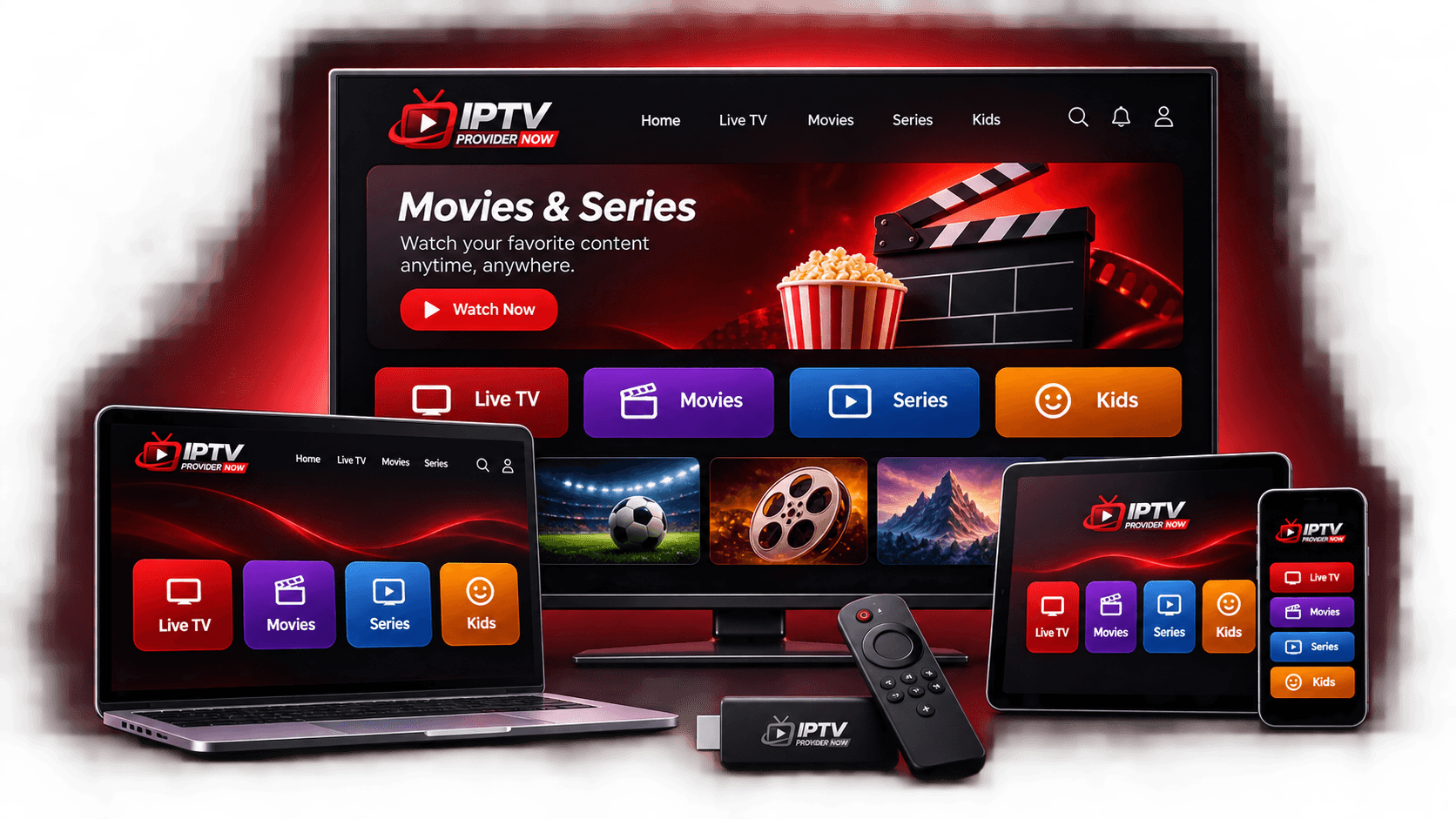
Whether you prefer the biggest TV in the house or a phone on the couch, an IPTV subscription for multiple devices lets your household watch on the screens that suit them once each device is set up.
Smart TV Viewing
Use a supported player app directly on your smart TV, or connect a streaming stick such as a Fire TV Stick for a familiar remote-controlled experience.
Big-Screen Viewing
Pair your plan with your largest screen or home theater setup for movie nights and shared viewing in the living room.
Watch on Your Phone or Tablet
Install a player app from the App Store or Google Play to watch on your phone or tablet, wherever you are comfortable.
Home Entertainment for Your Household
With plans for up to 4 devices, people in your home can watch on their own screens. Choose the device count that fits your household.
Made for every kind of night in
Movie Night: Set the mood for a night in.
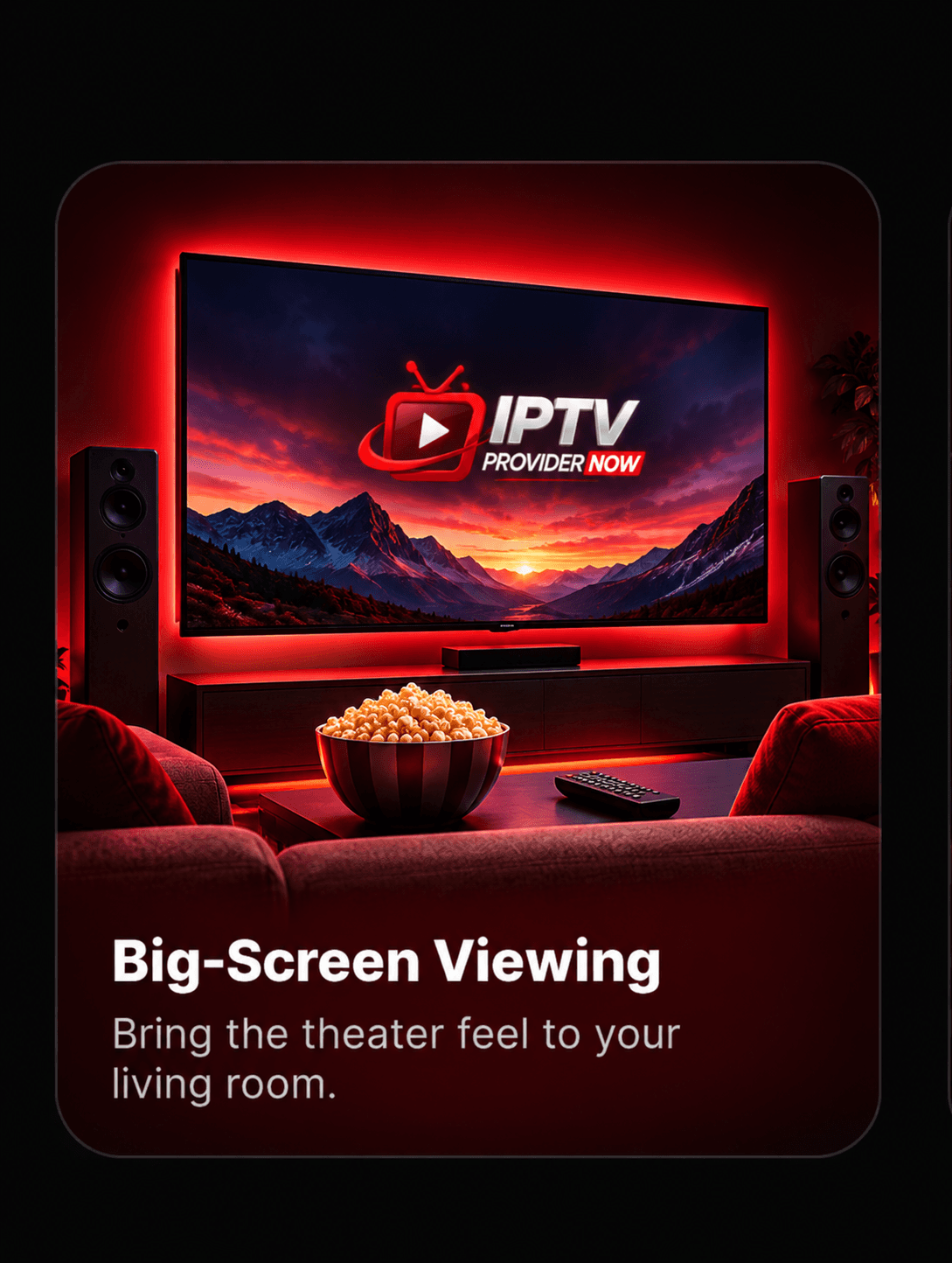
Big-Screen Viewing: Bring the theater feel to your living room.
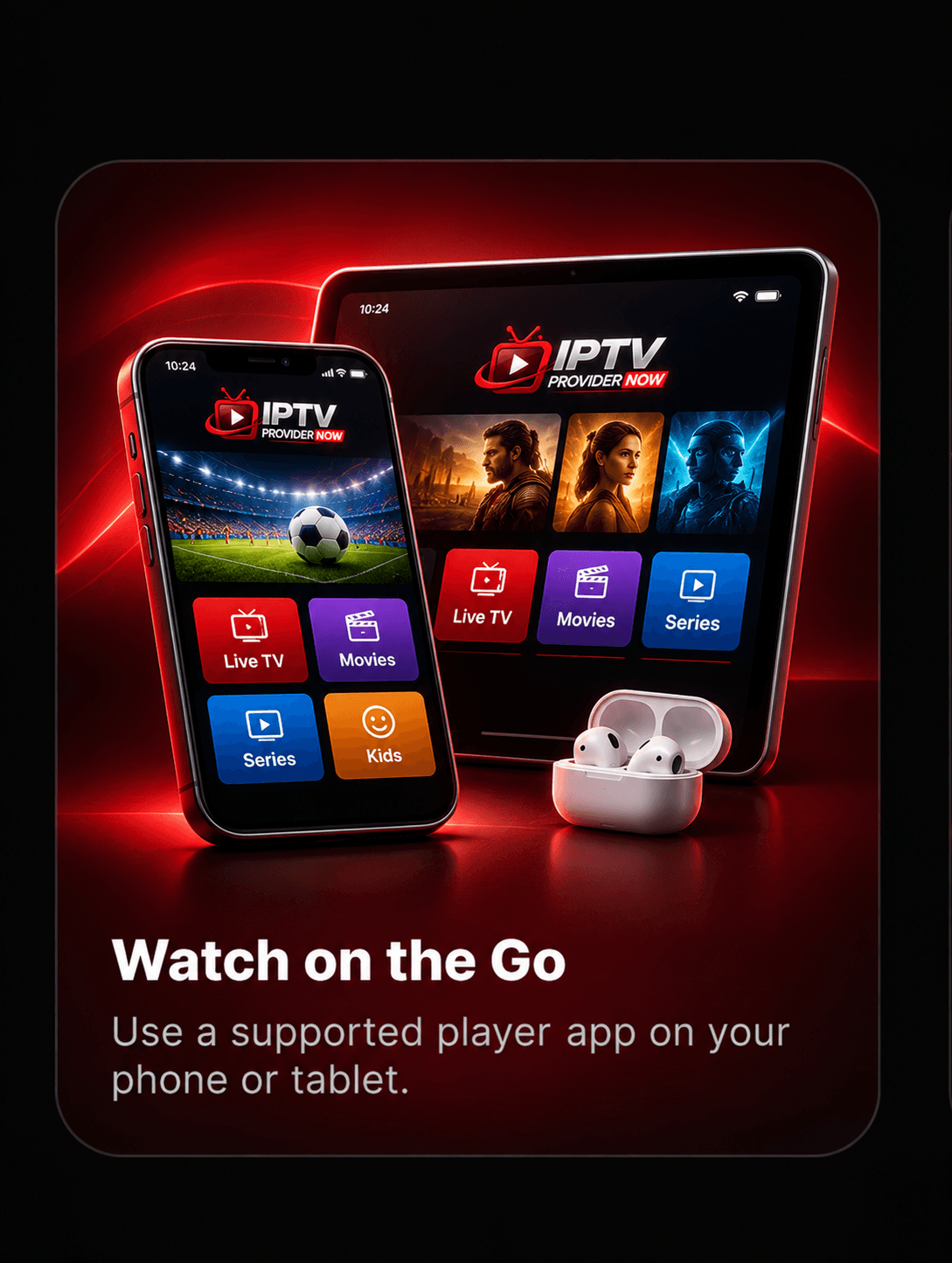
Watch on the Go: Use a supported player app on your phone or tablet.
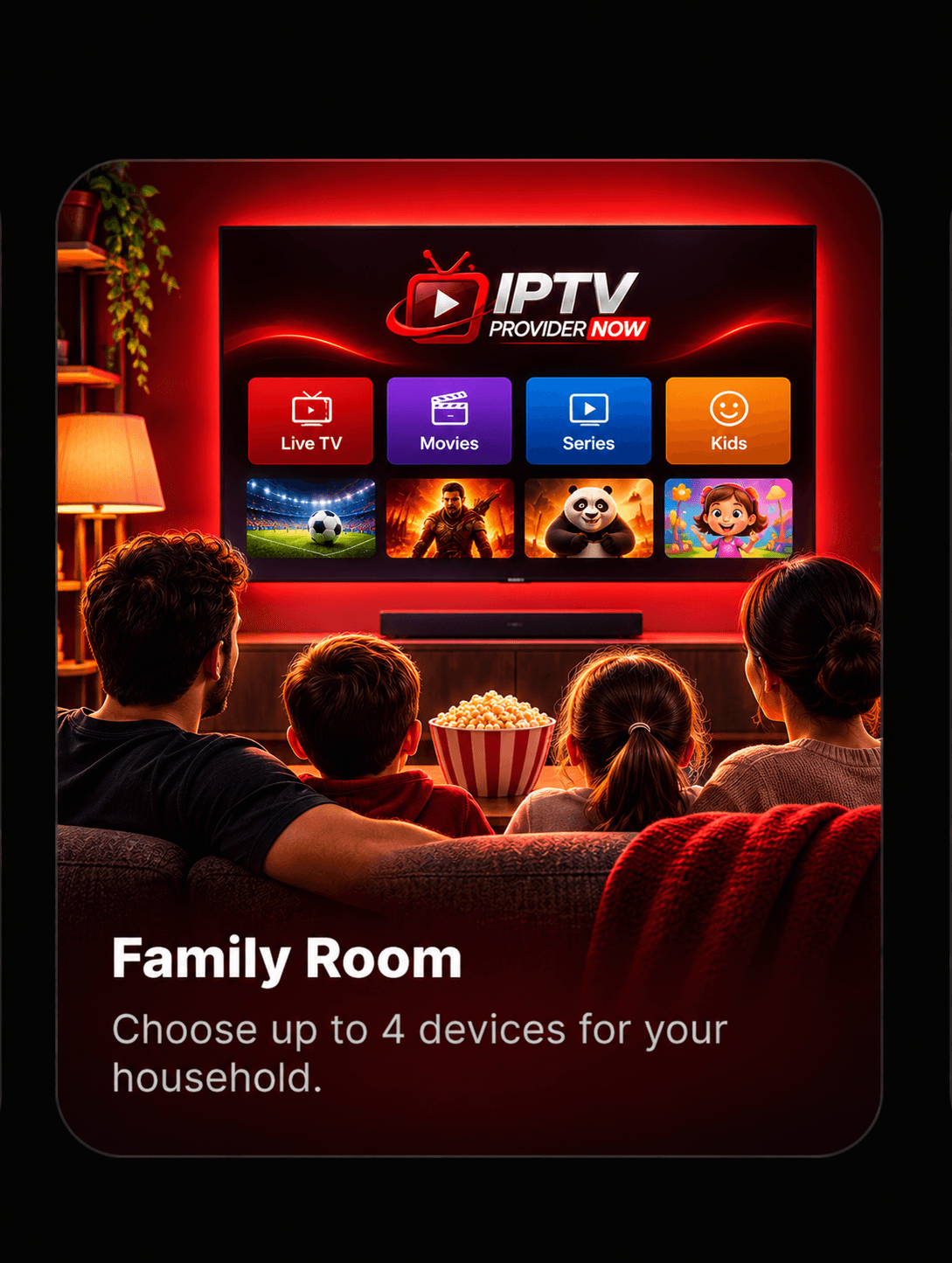
Family Room: Choose up to 4 devices for your household.
Late-Night Sessions: Settle in on the screen you prefer.
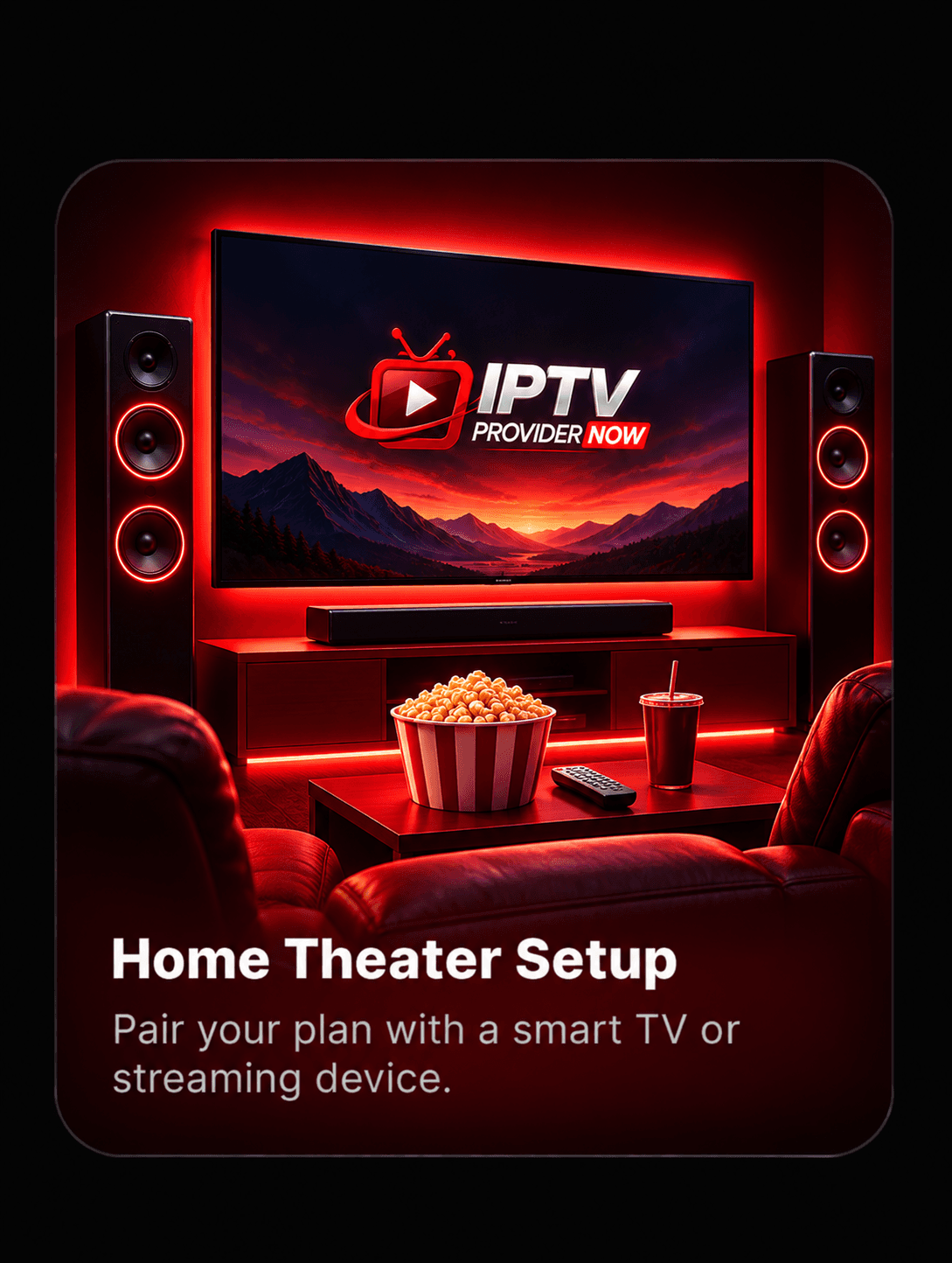
Home Theater Setup: Pair your plan with a smart TV or streaming device.
Why Choose Us
Why Choose IPTV Provider Now?
Clear pricing, a real conversation with our team and help getting set up: here is what to expect from us as your IPTV service provider.
Flexible Subscription Durations
Choose a 1, 3, 6 or 12-month term. Each plan shows the total price for the full term in US dollars, so you can compare options at a glance.
Multiple Device Options
Select a plan for 1, 2, 3 or 4 devices to match the TVs, streaming sticks, phones and tablets in your home.
Simple WhatsApp Ordering
There are no accounts to create or checkout forms to fill in. Tap Subscribe and your plan details are written out in a WhatsApp message for you.
Guided Subscription Setup
After your payment is confirmed, our team walks you through setting up and activating your subscription on your devices.
Device Compatibility Assistance
Not sure your TV or streaming device will work? Send us the model before you pay, and we will help you understand your options.
Customer Support
Questions about your plan, payment or setup? Message our team on WhatsApp or send a request through our contact form.
Have a question first? Contact our support team and we will be glad to help.
How It Works
How Our IPTV Subscription Process Works
From the moment you pick a plan to activation, every step happens in one WhatsApp conversation with our team.
- 01
Step 1: Select Your Preferred Plan
Use the device selector to choose 1 to 4 devices, then pick a 1, 3, 6 or 12-month subscription.
- 02
Step 2: Send Your Request Through WhatsApp
Tap Subscribe to open WhatsApp with your plan details pre-filled, then send the message to our team.
- 03
Step 3: Receive Payment Instructions
Our team confirms your plan and sends payment instructions directly in your WhatsApp conversation.
- 04
Step 4: Get Help With Subscription Activation
After your payment is confirmed, we guide you through setup and activation on your devices.
FAQ
Frequently Asked Questions About IPTV Providers
Straight answers about choosing a provider, subscribing, plan options and devices.
How Do I Choose an IPTV Provider?
Start with the basics: clear pricing, subscription lengths that suit you, support for the number of devices in your home and an easy way to get help. It also pays to confirm that your TV, streaming stick or phone works with a suitable player app before you pay. At IPTV Provider Now, every plan price is listed in US dollars on our website, and you can ask our team about your devices before you subscribe.
How Can I Subscribe to IPTV?
Pick a subscription length and number of devices, then tap Subscribe. WhatsApp opens with your plan, device count and total price already written out, so you only need to send it. Our team replies with payment instructions and, once your payment is confirmed, helps you set up and activate your subscription.
What IPTV Subscription Plans Are Available?
We offer 1-month, 3-month, 6-month and 12-month plans, and each one is available for 1, 2, 3 or 4 devices. Prices start at $22 for 1 month on 1 device. Every price shown is the total for the full subscription term.
Can I Choose More Than One Device?
Yes. Use the device selector to choose a plan for 2, 3 or 4 devices. The prices update instantly, so you can compare the total for each subscription length before you decide.
Which Devices Can I Use?
Customers commonly ask about smart TVs, the Amazon Fire TV Stick, Android TV devices, Apple TV, phones, tablets and computers. Compatibility depends on your device and the player apps available for it, so check our compatible devices guide and send us your device model if you are unsure.
How Do I Contact IPTV Provider Now?
The quickest way is WhatsApp at +44 7460 645940. You can also use the form on our contact page, which opens WhatsApp with your request already filled in.
Ready to Subscribe?
Compare available plans, choose your preferred number of devices, and contact IPTV Provider Now through WhatsApp to get started.